Blog & OCR Guides

Tips, tutorials, and deep dives on Optical Character Recognition (OCR), document conversion, and image processing.

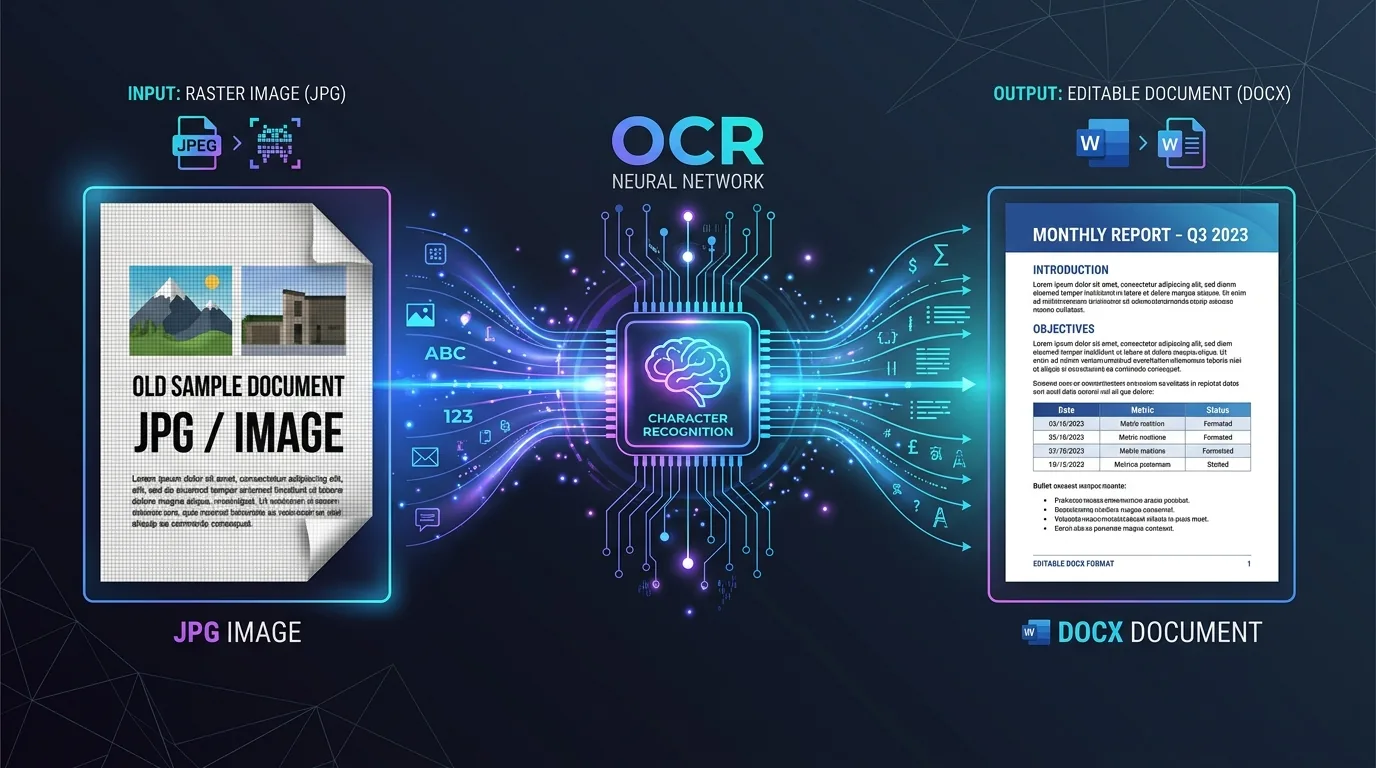
Illustration showing the step by step process of converting JPG pixel grid to editable Word document via OCR.
OCR Tech 6 min read

What Actually Happens When You Convert a JPG to Word

You've got a photo of a document sitting on your phone, and you need it as an editable Word file. Sounds simple, right? Behind that single click, though, a surprisingly complex process unfolds. Understanding JPG to Word conversion helps you set realistic expectations and avoid frustration when the output doesn't look quite like the original. This guide walks through exactly what happens during conversion, why some results shine while others disappoint, and what limitations you should know about before you start.
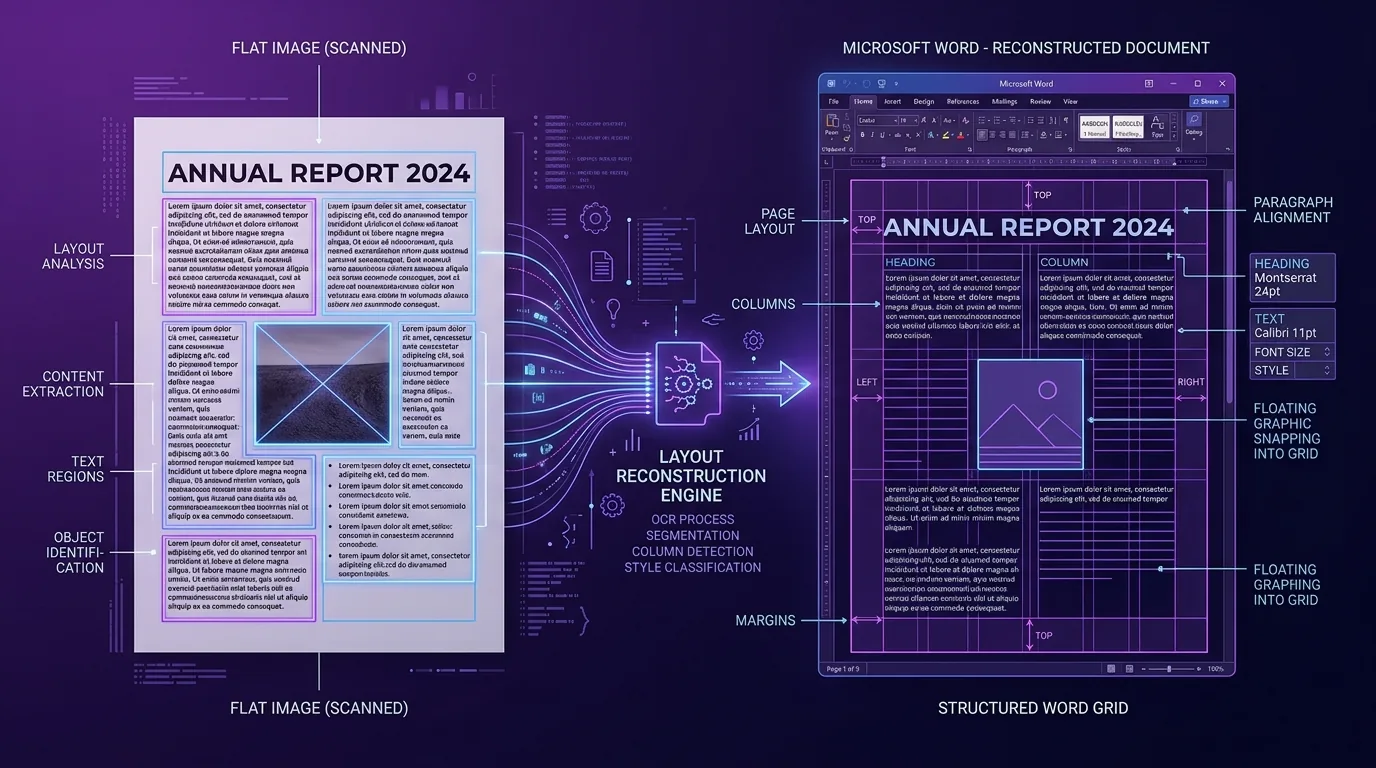
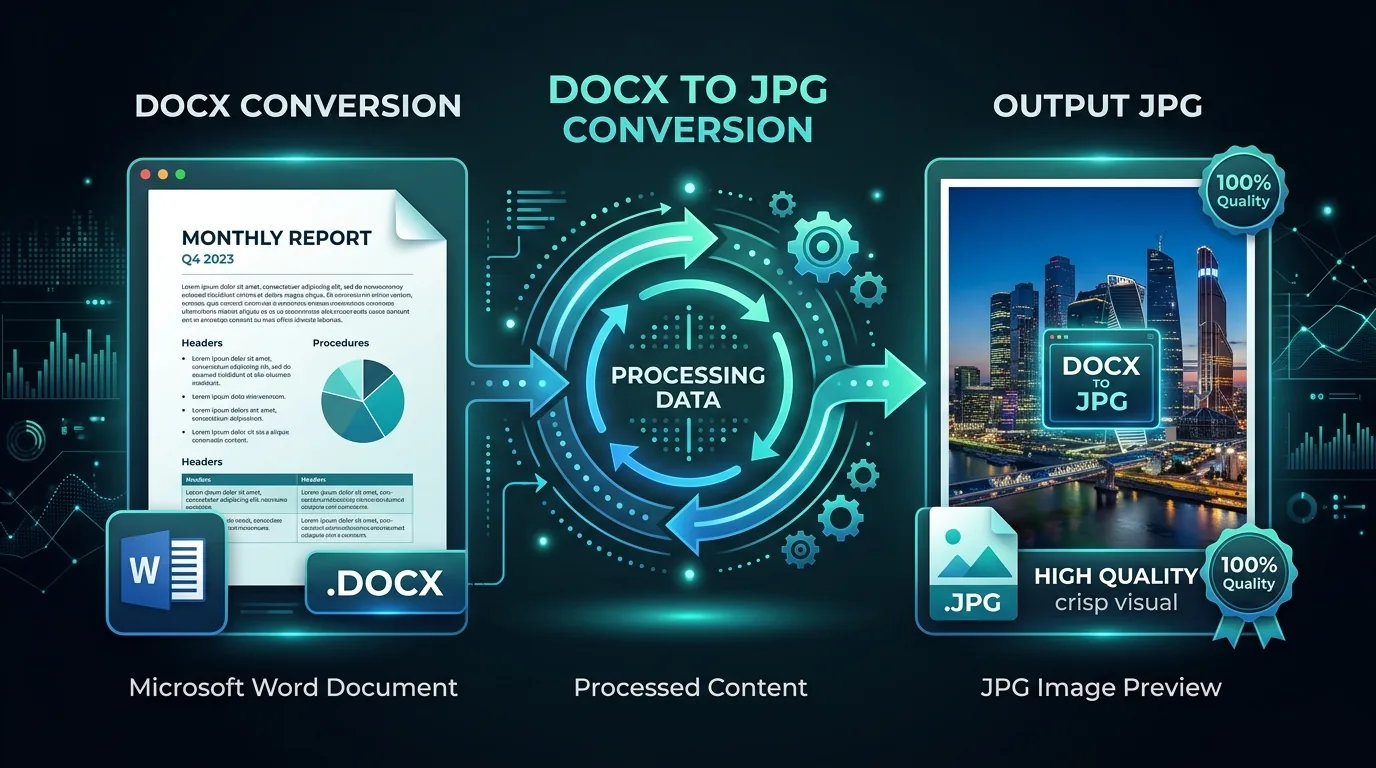
Visual diagram showing document layout analysis and formatting reconstruction from flat image to Word document.
Formatting Guides 5 min read

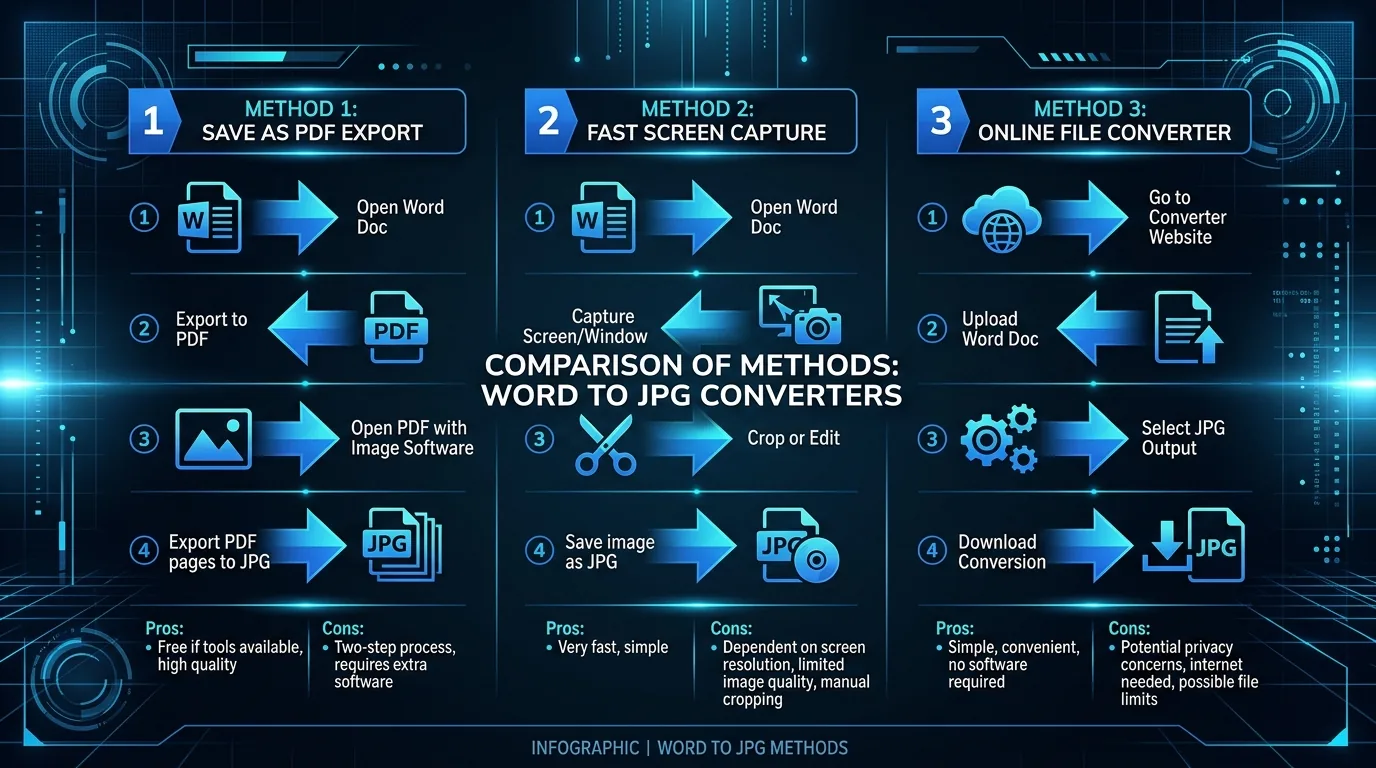
JPG to Word Conversion: Why Your Formatting Might Not Survive the Trip

You convert a JPG, open the resulting Word file, and something feels off. Maybe the columns shifted. Maybe the heading lost its bold styling. This happens constantly, and it's not a bug — it's simply how JPG to Word formatting reconstruction works. This article explains exactly why layout changes during conversion, which elements are most vulnerable, and how you can repair the damage afterward without starting from scratch.

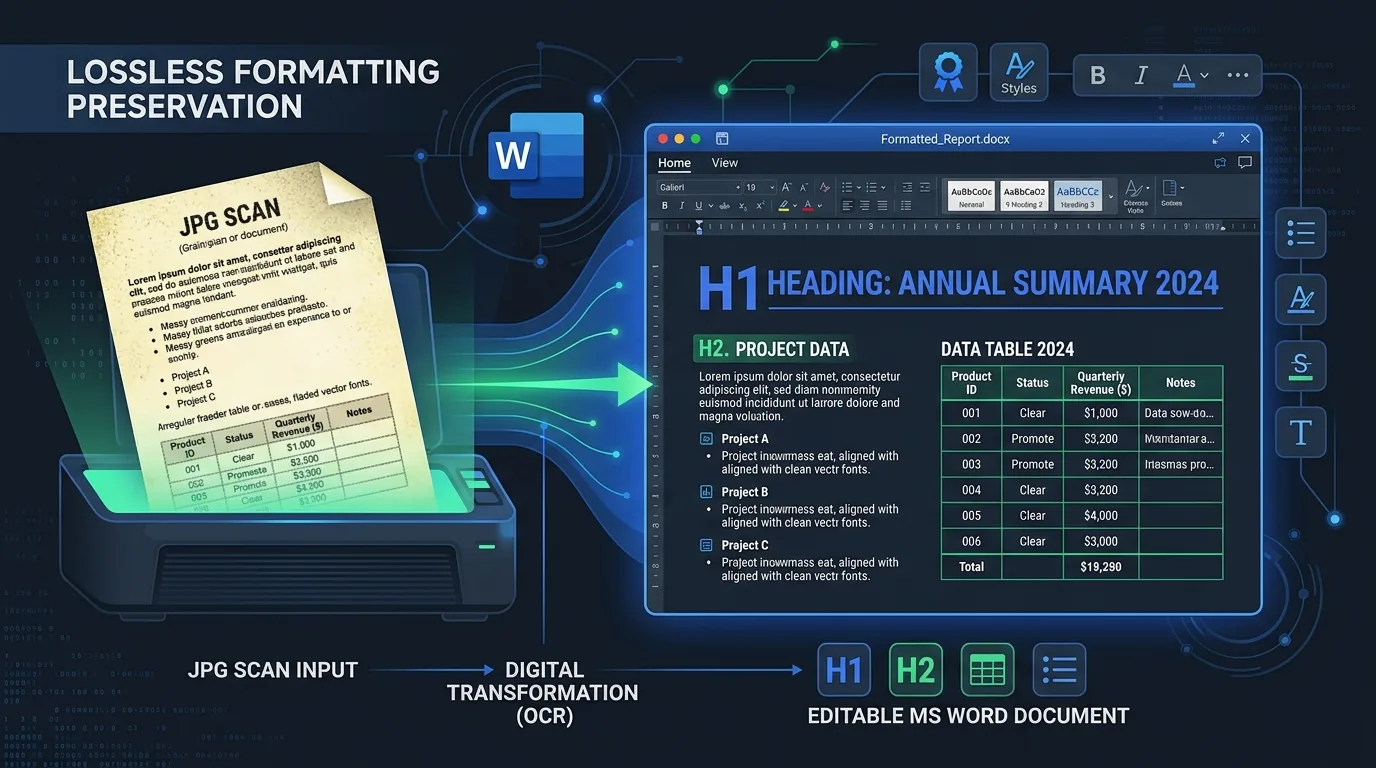
Illustration highlighting document formatting preservation during image to Word conversion.
Formatting Guides 6 min read

How to Convert JPG to Word Without Losing Formatting

You've scanned a document, and now you need it back in Word, looking as close to the original as possible. This is one of the trickiest parts of JPG to Word conversion, since formatting preservation depends on far more than just accurate text recognition. This guide walks through practical techniques for minimizing formatting loss, from preparing your image correctly to cleaning up the final document efficiently.

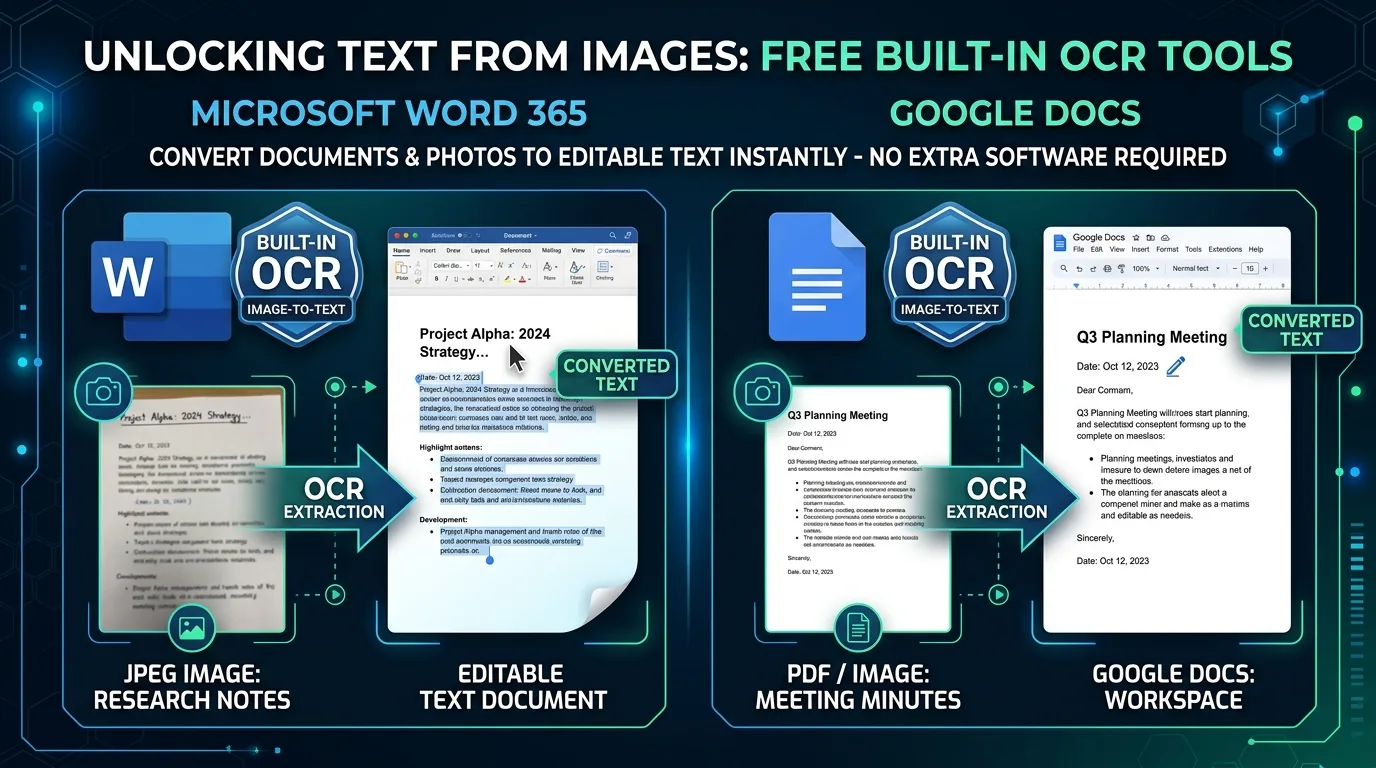
Illustration showcasing built-in OCR tools in Microsoft Word 365 and Google Docs for image text extraction.
Tips & Tools 6 min read

You Might Not Need a Converter: Free Built-In Ways to Turn a JPG into Editable Word Text

Before downloading yet another conversion app, consider this: the tools you already use every day might handle JPG to Word conversion just fine. Microsoft Word and Google Docs both include built-in OCR capabilities that many people never realize exist. This guide walks through exactly how to use these free, already-installed tools to extract editable text from an image.

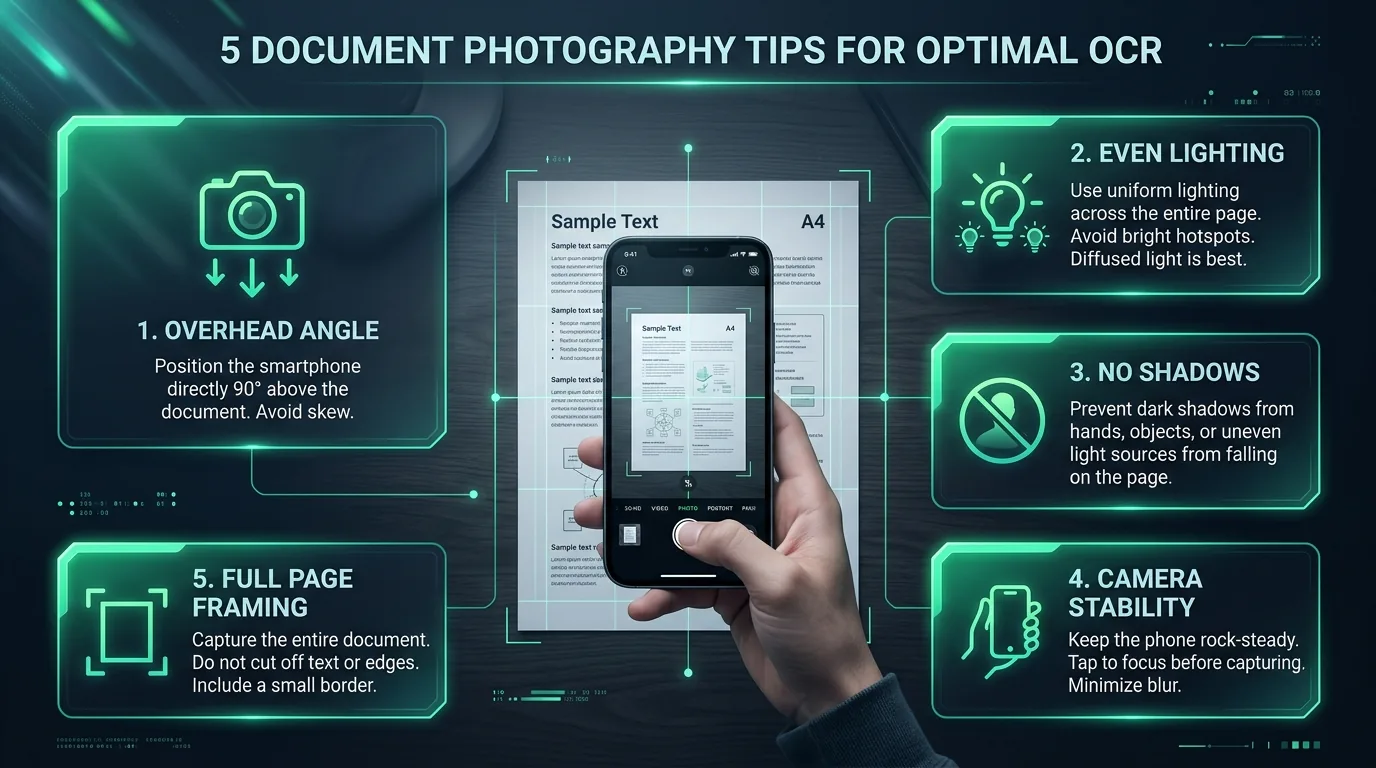
Infographic displaying five best practices for photographing paper documents with a smartphone for OCR.
Scanning Tips 6 min read

5 Ways to Photograph a Document So OCR Actually Works Well

Garbage in, garbage out. That old saying applies perfectly to OCR technology. No matter how advanced the recognition software gets, a poorly taken photo will always produce disappointing results. The good news is that a few simple photography habits dramatically improve your outcomes. This guide covers five practical techniques for capturing document photos that give OCR engines the best possible chance at accurate text extraction.

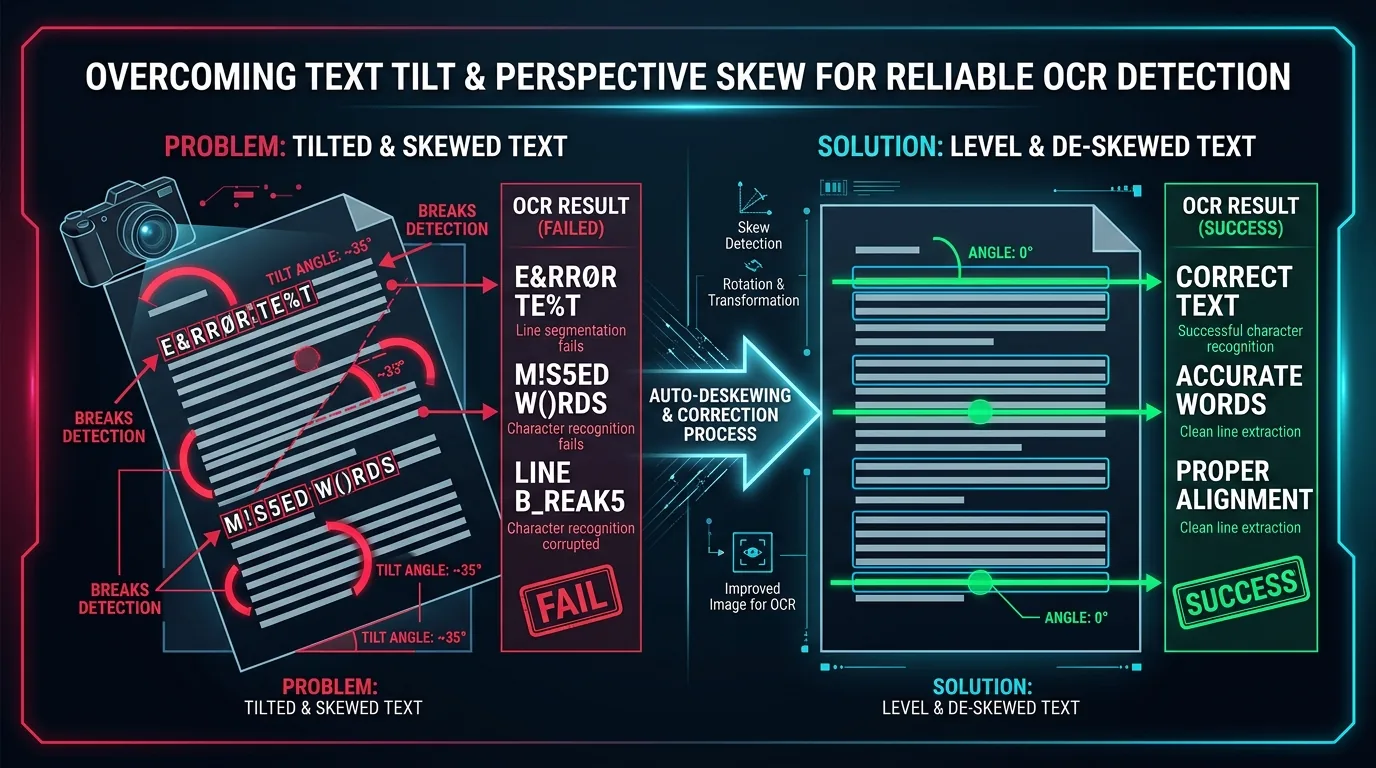
Visual guide illustrating the impact of image skew on OCR accuracy and automatic deskew correction.
Troubleshooting 6 min read

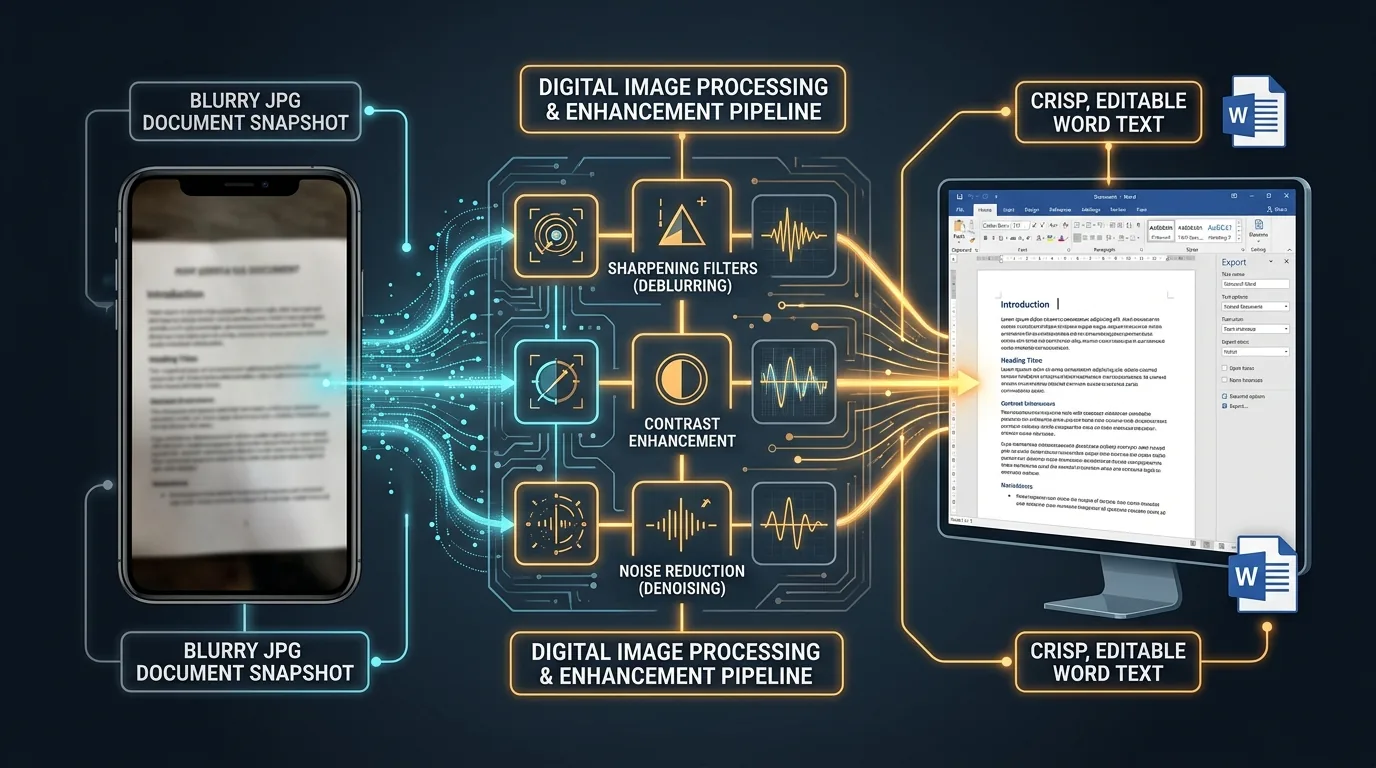
Why Blurry or Skewed Photos Ruin JPG-to-Word Conversions (and How to Fix It Before Uploading)

You snap a quick photo of a document, upload it for conversion, and the result comes back full of garbled nonsense. Frustrating, right? Nine times out of ten, the culprit is either blur or skew in the original image. This guide explains exactly why these two issues cause such disproportionate damage to OCR results, and walks through practical fixes you can apply before uploading anything.

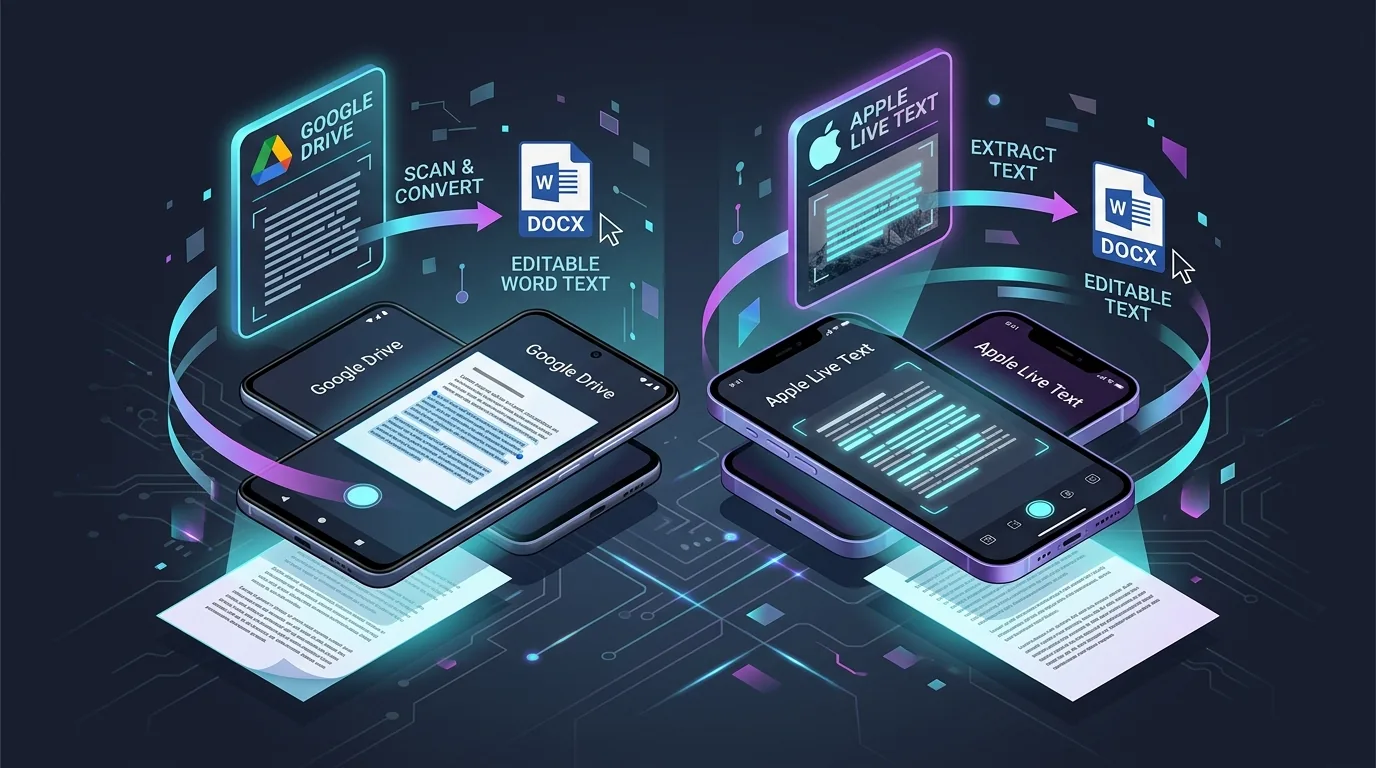
Illustration showing mobile document scanning and text extraction on Android and iPhone smartphones.
Mobile Guides 6 min read

JPG to Word on Android and iPhone: Complete Guide

Your phone is probably capable of far more document conversion than you realize. Both Android and iPhone devices now include surprisingly capable tools for turning a photographed document into editable Word text, often without installing anything extra. This guide walks through exactly how to accomplish JPG to Word conversion on mobile, covering built-in options, common issues, and best practices for keeping your documents secure along the way.