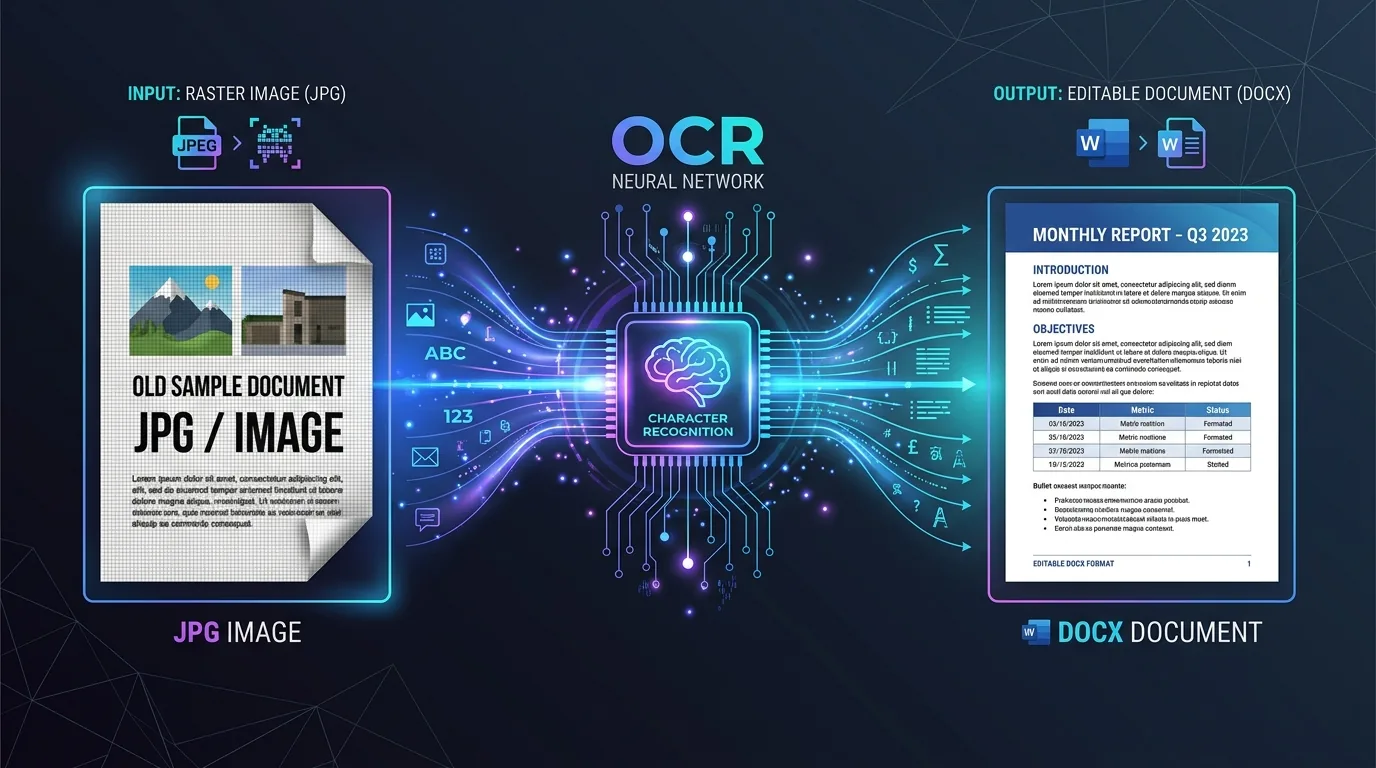
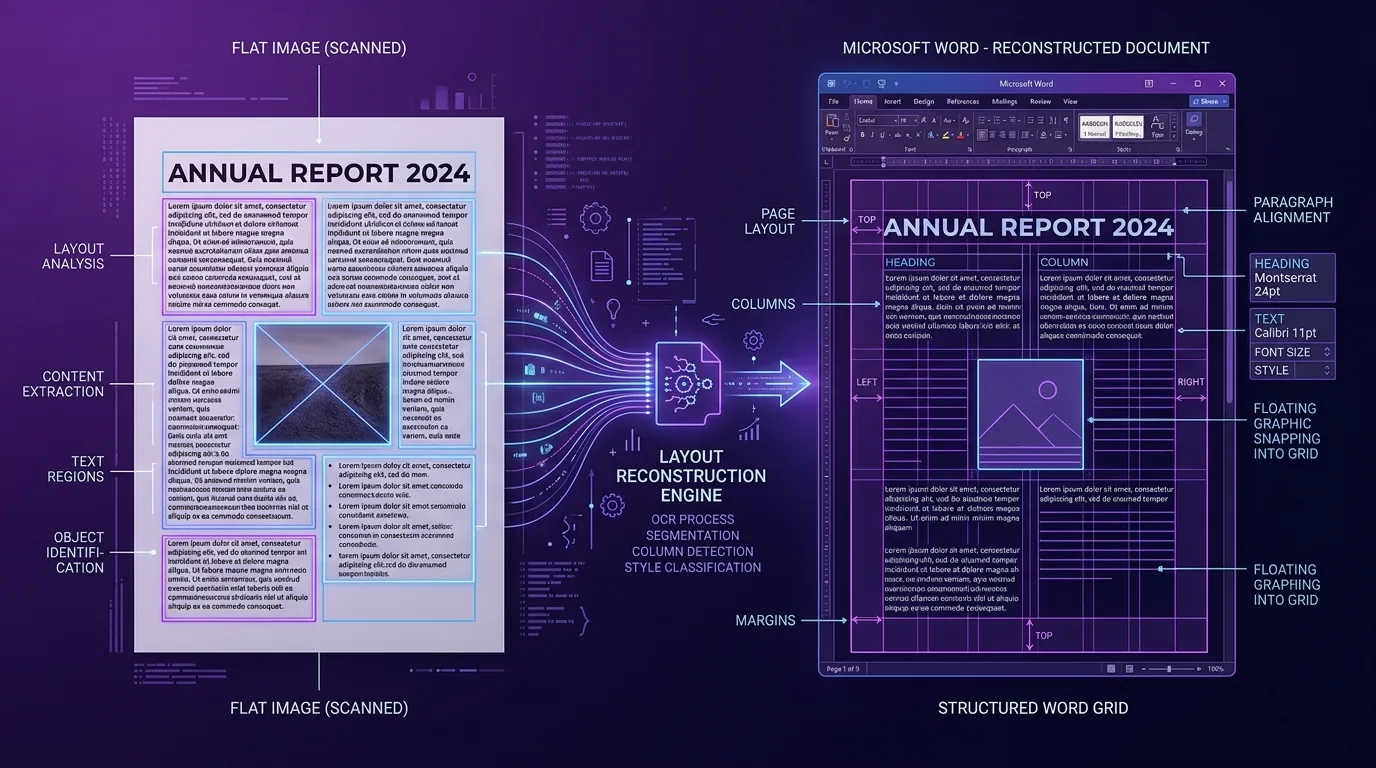
A JPG to Word Converter is a web-based tool that uses Optical Character Recognition (OCR) to read text inside JPG and JPEG images and produce an editable Microsoft Word document. The conversion engine scans each pixel row, identifies characters through pattern matching and Neural Networks, then outputs a formatted DOCX file you can open in Microsoft Word, Google Docs, or any compatible word processor.
There are 4 main benefits of using a JPG to Word Converter: text becomes editable, the content is searchable, the document is smaller than the original image set, and formatting such as tables, headings, and paragraphs can be preserved. Common uses include digitizing scanned receipts, converting handwritten notes into typed text, archiving old newspaper clippings, and extracting data from photographed forms on a mobile phone or Windows 10 desktop.
A typical JPG to Word Converter has 5 parts: an input module (drag-and-drop or file picker), an OCR engine powered by Machine Learning and Artificial Intelligence, a format handler that maps recognized text to Word styles, a preview function for real-time conversion preview, and an output module that delivers the final DOCX download.